
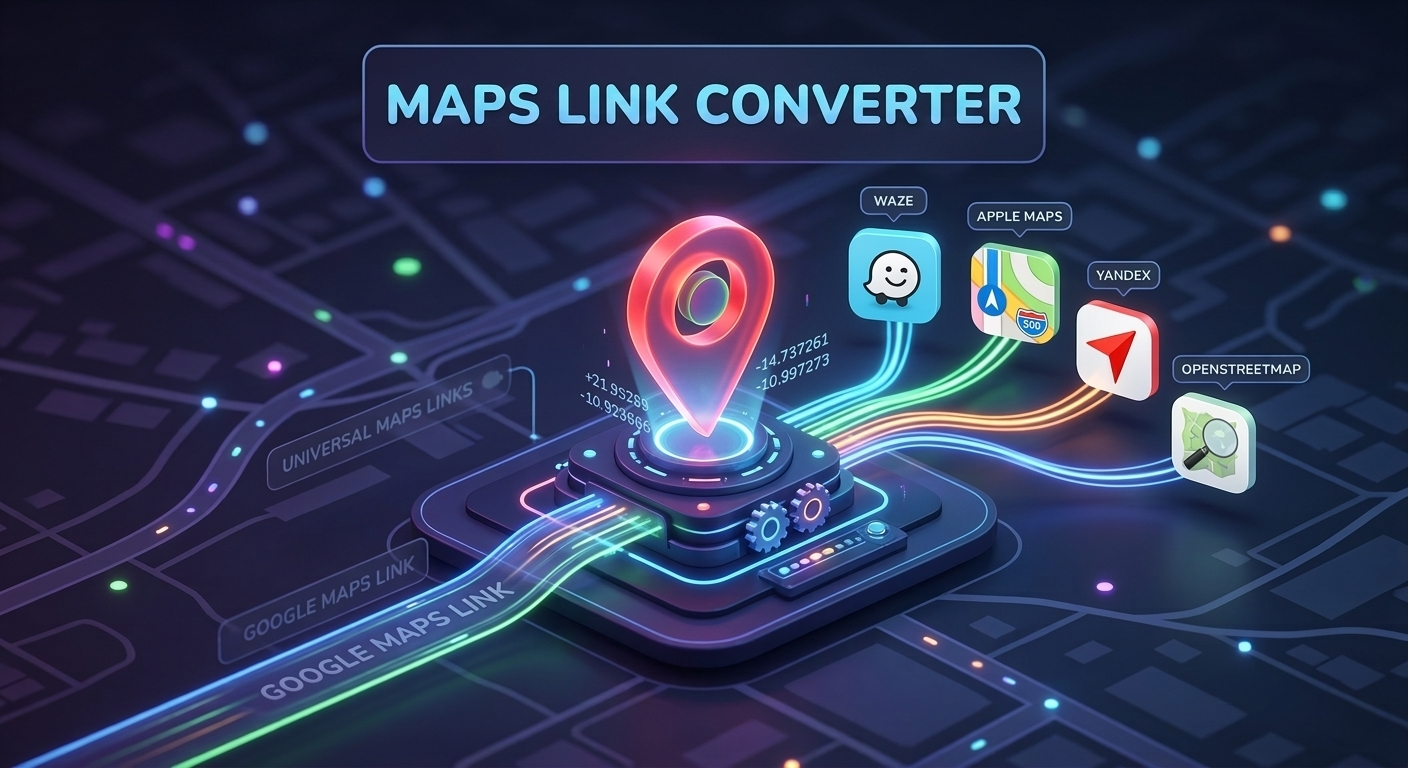
🌍 ↔ 🧭 Maps Link Converter
Paste any Google or Yandex Maps link — or enter coordinates directly.
Convert Map Links in 3 Seconds — No Signup, 100% Free Tool
We’ve all been there. You’re waiting for a friend at a new café, or maybe you’re a delivery driver trying to find a customer’s address. They send you a location link. You click it. Nothing happens. Or worse, it opens the wrong app, shows a blank screen, or asks you to download something you don’t need.
It’s frustrating. It wastes time. And in situations where every minute counts, it’s simply unacceptable.
The problem isn’t the maps themselves; it’s that everyone uses a different one. Some people swear by Google Maps. Others prefer Apple Maps for privacy. In parts of Europe and Asia, Yandex is king. Delivery drivers often rely on Waze for traffic updates. But here’s the catch: a link generated in one app rarely works smoothly in another.
That’s exactly why we built the Maps Link Converter at ConvertWizardPro. No fluff, no login walls, just a tool that fixes broken location links instantly.
Why One Link Doesn’t Fit All
You might wonder, “Isn’t a location just a location?” Technically, yes. The latitude and longitude of the Eiffel Tower are the same regardless of which app you use. But the links are proprietary.
Google creates links that look like
google.com/maps/?q=.... Apple uses maps.apple.com/?q=.... Yandex has its own structure. When you send a Google link to someone who only has Apple Maps installed, their phone doesn’t know how to interpret it. It might open a web browser instead of the app, or it might fail entirely.For a casual user, this is an annoyance. For a business, it’s lost revenue. If a customer can’t find your store because the link broke, they aren’t going to call you—they’re going to go to your competitor down the street.
How It Works (Seriously, It Takes 3 Seconds)
We designed this tool for people who are in a hurry. You don’t need to create an account. You don’t need to give us your email. You don’t even need to understand how coordinates work.
- Copy the Link: Grab the location link from whichever app you’re currently using (Google, Yandex, Apple, etc.).
- Paste & Select: Paste it into the box above. Choose which map app you want the recipient to use.
- Get the New Link: Click convert. Copy the new link and send it via WhatsApp, SMS, or email.
That’s it. The recipient clicks the new link, and it opens directly in their preferred map application. No errors, no confusion.
Who Actually Needs This Tool?
You might think this is just for tech-savvy travelers, but the use cases are much broader. Here’s who benefits the most:
1. Delivery Drivers & Couriers
If you work in logistics, you know the pain. A customer sends a Google Maps pin, but your company device only runs Yandex or Waze. Instead of calling the customer to ask for the address again (which delays your next drop-off), you convert the link. You save fuel, time, and keep your delivery stats high.
2. International Travel Bloggers
When you’re writing a guide about Istanbul, Tokyo, or Moscow, your readers are global. Some use iPhones, some use Androids. Some regions block Google services. By providing a universal link or offering options for different map services, you ensure your readers actually find the spots you recommend.
3. Remote Teams & Event Organizers
Planning a meet-up for a distributed team? Someone is in London, another in Moscow, another in New York. Sending a single map link ensures everyone gets to the right place without needing to troubleshoot their phones while standing on a street corner.
4. Small Business Owners
Put this link on your website’s “Contact Us” page. Instead of forcing a Google Maps embed, let users choose their preferred navigation app. It’s a small touch that improves customer experience significantly.
Privacy & Speed: Our Promise
In a world where every tool wants to track your behavior, we keep it simple.
- No Data Storage: We don’t save the links you convert. Once you leave the page, the data is gone.
- No Login: We don’t want your email. We don’t want your password.
- Client-Side Processing: Most of the conversion happens right in your browser. This means it’s fast because it doesn’t need to wait for a server to respond.
We built ConvertWizardPro to be the Swiss Army knife of web tools. Useful, reliable, and out of your way when you’re done.
Common Questions (FAQ)
Q: Does this work with short links (like goo.gl)? A: Yes, but sometimes you need to expand them first. If the converter doesn’t recognize a shortened link, try opening it once to get the full URL, then paste that into our tool.
Q: Is it accurate? A: Absolutely. We extract the core coordinates (latitude and longitude) from the original link and rebuild them into the new format. The location remains exactly the same; only the “address” changes.
Q: Can I convert Apple Maps links to Google Maps? A: Yes, the conversion works both ways. You can go from Google to Apple, Yandex to Waze, or any combination in between.
Q: Why is it free? A: We believe basic web utilities should be accessible to everyone. We maintain this tool to help users solve everyday problems without hitting a paywall.
Stop Losing People in Translation
Location data is universal, but technology isn’t. Bridges are needed to connect different ecosystems. Think of this tool as a bridge for your location links.
Next time you’re about to send a meeting point to a client, or share a favorite restaurant with a friend who uses a different phone, take those extra three seconds to convert the link. It shows professionalism. It shows you care about their time. And it guarantees they arrive at the right place without the headache.
Give it a try above. Copy, paste, convert, and go. 🌍